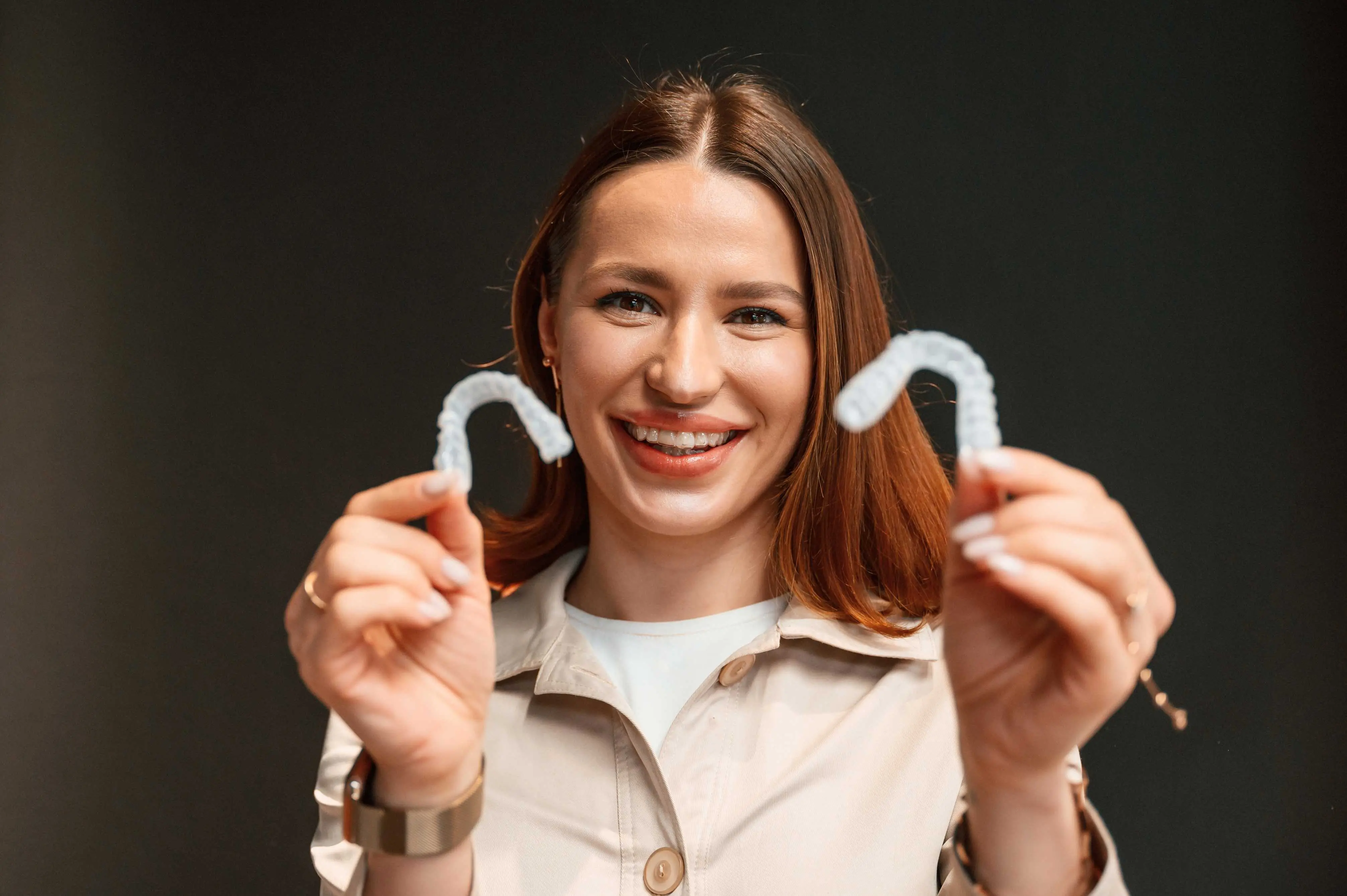

Smilebliss understands that keeping your smile straight after braces is just as important as the treatment itself.
Our Retainer Promise Program provides two replacement retainers for up to five years after treatment. This helps you maintain your smile without stress, delays, or unexpected costs.
After braces, teeth naturally try to shift back to their original position. A retainer helps prevent this movement.
It keeps your teeth stable while your gums and bone adjust to their new alignment.
Retainers help:
Prevent teeth from shifting
Maintain bite alignment
Support long-term oral health
What Is the Retainer Promise Program?
The Retainer Promise Program at Smilebliss simplifies post-treatment care. This program provides you with two sets of replacement retainers for five years post-treatment. Whether your retainers are lost, broken, or worn out, we provide replacements without additional costs or stress.

Benefits of the Retainer Promise Program
The Retainer Promise Program is designed to make retainer care effortless and cost-effective.
Hassle-Free Replacement: If your retainer is lost or damaged, we provide a new set promptly.
Cost Savings: The program covers replacement retainers, removing the need for unexpected expenses.
Peace of Mind: Knowing that replacements are readily available keeps your smile protected.
With this program, you can confidently maintain your smile for years without added worry.
Common Issues With Retainers and How the Program Helps
Retainers are durable but can face wear and tear over time.
Common issues include:
Loss: Retainers can easily be misplaced, especially while traveling or during meals.
Breakage: Dropping or mishandling a retainer can lead to cracks or damage.
Wear and Tear: Regular use can cause retainers to lose their shape or effectiveness.
The Retainer Promise Program addresses these challenges by offering quick and cost-free replacements.
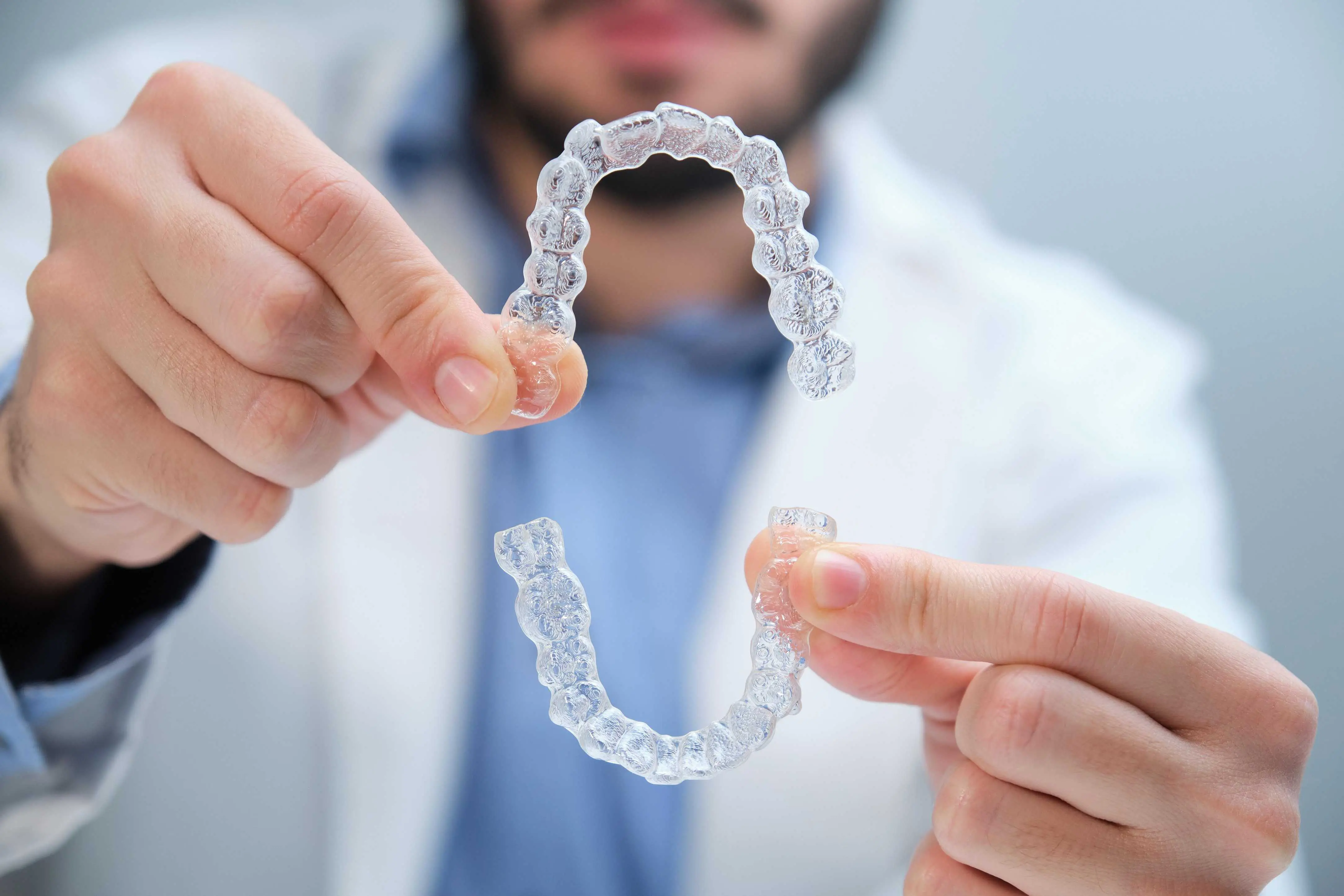
How Long Do You Need to Wear a Retainer?
Orthodontists recommend wearing retainers consistently after braces. Initially, patients may need to wear them full-time before transitioning to nightly use. The duration depends on what a patient needs, but retainers are often required for several years to maintain alignment.
Wearing retainers as directed helps prevent shifting and keeps your smile aligned.
Caring for Your Retainer
Proper care extends the life of your retainer and keeps it clean and effective.
Clean Your Retainer Daily
Use a soft toothbrush and non-abrasive toothpaste or mild soap. Gently scrub all surfaces of the retainer.
Avoid using harsh chemicals or whitening toothpaste, as these can damage the material.
For removable retainers, soak them in a denture or retainer cleaning solution a few times a week to ensure a deeper clean.
Store Your Retainer Safely
When not in use, always store your retainer in a protective case. This prevents damage and keeps it safe from dust, dirt, and accidental misplacement.
Keep the case in a consistent location to avoid losing it.
Avoid wrapping retainers in tissues or napkins, as they can easily be thrown away.
Ensure the case is ventilated to prevent moisture buildup, which can lead to bacteria growth.
Avoid High Temperatures
Heat can warp or damage retainers, affecting their fit and effectiveness.
Never clean retainers with hot water or place them near heat sources like radiators.
Keep retainers away from direct sunlight or hot cars.
Be Gentle
Handle retainers with care to avoid cracking or bending.
Avoid chewing on your retainer, as this can weaken the material or break it.
Maintain Good Oral Hygiene
Clean teeth help keep your retainer in good condition and prevent bacteria buildup.
Brush and floss your teeth thoroughly before putting your retainer back in.
Rinse your mouth with water after meals if brushing isn’t immediately possible.
Smilebliss in Cedar Hill: Your Partner in Retainer Care
Our comprehensive approach focuses on the critical role retainers play in keeping teeth aligned. We make post-treatment care simple, accessible, and stress-free. Our goal is to help patients feel supported on their journey to lasting oral health.
Contact us today to learn more about the Retainer Promise Program and take the next step in preserving your beautiful smile.
Smilebliss Orthodontics 305 West FM 1382, Suite 614, Cedar Hill, Texas 75104
(972) 460-0866
The __cfwaitingroom cookie is only used to track visitors that access a waiting room enabled host and path combination for a zone. Visitors using a browser that does not accept cookies cannot visit the host and path combination while the waiting room is active.
session
cf_chl_rc_i
These cookies are for internal use which allows Cloudflare to identify production issues on clients.
session
cf_chl_rc_ni
These cookies are for internal use which allows Cloudflare to identify production issues on clients.
session
cf_chl_rc_m
These cookies are for internal use which allows Cloudflare to identify production issues on clients.
session
__cfruid
Used by the content network, Cloudflare, to identify trusted web traffic.
session
__cf_bm
Cloudflare's bot products identify and mitigate automated traffic to protect your site from bad bots. Cloudflare places the __cf_bm cookie on End User devices that access Customer sites that are protected by Bot Management or Bot Fight Mode. The __cf_bm cookie is necessary for the proper functioning of these bot solutions.
session
__cflb
When enabling session affinity with Cloudflare Load Balancer, Cloudflare sets a __cflb cookie with a unique value on the first response to the requesting client. Cloudflare routes future requests to the same origin, optimizing network resource usage. In the event of a failover, Cloudflare sets a new __cflb cookie to direct future requests to the failover pool.
session
_cfuvid
The _cfuvid cookie is only set when a site uses this option in a Rate Limiting Rule, and is only used to allow the Cloudflare WAF to distinguish individual users who share the same IP address.
session
cf_clearance
Whether a CAPTCHA or Javascript challenge has been solved.
session
__cfseq
Sequence rules uses cookies to track the order of requests a user has made and the time between requests and makes them available via Cloudflare Rules. This allows you to write rules that match valid or invalid sequences. The specific cookies used to validate sequences are called sequence cookies.
session
cf_ob_info
The cf_ob_info cookie provides information on: The HTTP Status Code returned by the origin web server. The Ray ID of the original failed request. The data center serving the traffic
session
cf_use_ob
The cf_use_ob cookie informs Cloudflare to fetch the requested resource from the Always Online cache on the designated port. Applicable values are: 0, 80, and 443. The cf_ob_info and cf_use_ob cookies are persistent cookies that expire after 30 seconds.
session
Google Tag Manager simplifies the management of marketing tags on your website without code changes.
Name
Description
Duration
cookiePreferences
Registers cookie preferences of a user
2 years
td
Registers statistical data on users' behaviour on the website. Used for internal analytics by the website operator.
session
UserWay is an AI-powered accessibility widget that scans a website for WCAG and ADA accessibility issues and gives visitors on-page tools to adjust contrast, font size, navigation, and other display settings.
ID used to identify users for 24 hours after last activity
24 hours
_gat
Used to monitor number of Google Analytics server requests when using Google Tag Manager
1 minute
_gac_
Contains information related to marketing campaigns of the user. These are shared with Google AdWords / Google Ads when the Google Ads and Google Analytics accounts are linked together.
90 days
_ga_
ID used to identify users
2 years
_gali
Used by Google Analytics to determine which links on a page are being clicked
30 seconds
_ga
ID used to identify users
2 years
__utmx
Used to determine whether a user is included in an A / B or Multivariate test.
18 months
__utmv
Contains custom information set by the web developer via the _setCustomVar method in Google Analytics. This cookie is updated every time new data is sent to the Google Analytics server.
2 years after last activity
__utmz
Contains information about the traffic source or campaign that directed user to the website. The cookie is set when the GA.js javascript is loaded and updated when data is sent to the Google Anaytics server
6 months after last activity
__utmc
Used only with old Urchin versions of Google Analytics and not with GA.js. Was used to distinguish between new sessions and visits at the end of a session.
End of session (browser)
__utmb
Used to distinguish new sessions and visits. This cookie is set when the GA.js javascript library is loaded and there is no existing __utmb cookie. The cookie is updated every time data is sent to the Google Analytics server.
30 minutes after last activity
__utmt
Used to monitor number of Google Analytics server requests
10 minutes
__utma
ID used to identify users and sessions
2 years after last activity
Google Tag Manager simplifies the management of marketing tags on your website without code changes.
Name
Description
Duration
td
Registers statistical data on users' behaviour on the website. Used for internal analytics by the website operator.
session
cookiePreferences
Registers cookie preferences of a user
2 years
Clarity is a web analytics service that tracks and reports website traffic.
Used only with old Urchin versions of Google Analytics and not with GA.js. Was used to distinguish between new sessions and visits at the end of a session.
End of session (browser)
_gat
Used to monitor number of Google Analytics server requests when using Google Tag Manager
1 minute
_gid
ID used to identify users for 24 hours after last activity
24 hours
_ga_
ID used to identify users
2 years
_gali
Used by Google Analytics to determine which links on a page are being clicked
30 seconds
_ga
ID used to identify users
2 years
__utmx
Used to determine whether a user is included in an A / B or Multivariate test.
18 months
__utmv
Contains custom information set by the web developer via the _setCustomVar method in Google Analytics. This cookie is updated every time new data is sent to the Google Analytics server.
2 years after last activity
__utmz
Contains information about the traffic source or campaign that directed user to the website. The cookie is set when the GA.js javascript is loaded and updated when data is sent to the Google Anaytics server
6 months after last activity
__utmb
Used to distinguish new sessions and visits. This cookie is set when the GA.js javascript library is loaded and there is no existing __utmb cookie. The cookie is updated every time data is sent to the Google Analytics server.
30 minutes after last activity
__utmt
Used to monitor number of Google Analytics server requests
10 minutes
__utma
ID used to identify users and sessions
2 years after last activity
_gac_
Contains information related to marketing campaigns of the user. These are shared with Google AdWords / Google Ads when the Google Ads and Google Analytics accounts are linked together.